All students guides
- Start here
- Sign in and get around
- How to use the AI Tutor
- Tutor modes, one by one
- Profiles, notes and sources
- Guided lessons
- Lessons from your faculty
- How to use the Question Bank
- How to use Flashcards
- How to use Clinical Cases
- How to read your Dashboard
- Voice viva (coming soon)
- Use AI the right way
- Student FAQ
- Student quick reference
Apply
Work through a clinical case
Take a patient from presentation to management in stages: history and examination, investigations, differentials, diagnosis and management. You get a score at the end.
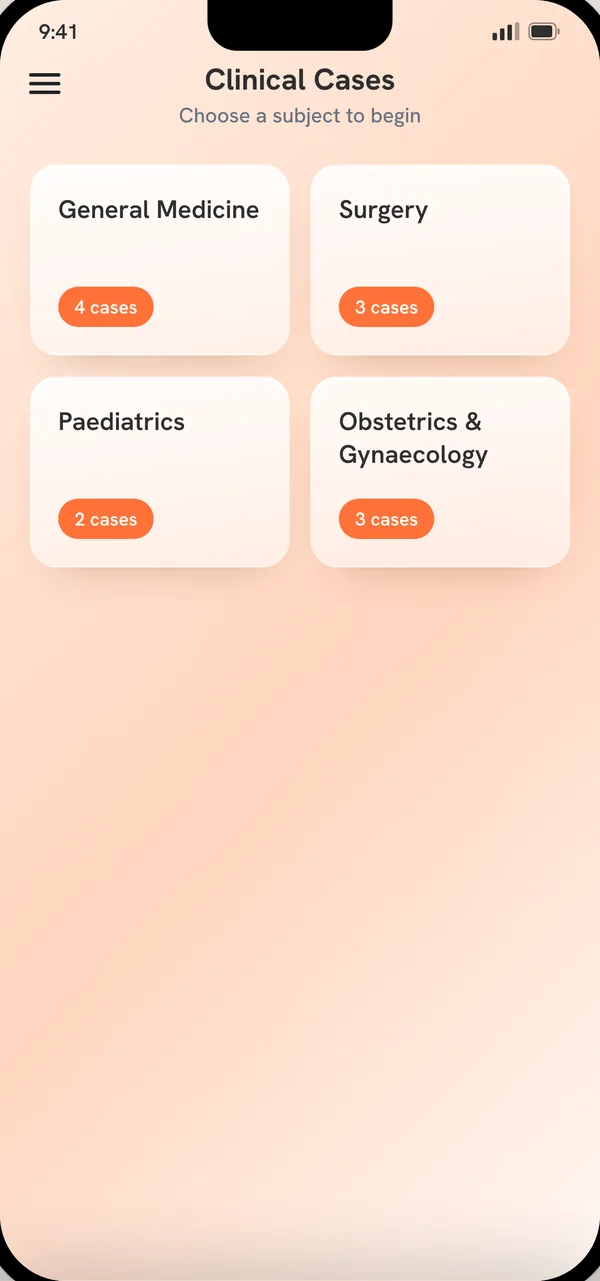
- Choose a subject and specialty
Menu › Clinical Cases. Pick a subject such as General Medicine, then a specialty such as Cardiology.
- Pick a case
New cases are untouched. Completed ones show your best, latest and average score. Open Past Attempts to review.
- Read the introduction
It lists the competencies assessed, the stages and the pass threshold (70% overall). Tap Start Case.
- Make your calls at each stage
Select up to three key positives and three key negatives, then Continue. You can go Back any time before finishing.