All students guides
- Start here
- Sign in and get around
- How to use the AI Tutor
- Tutor modes, one by one
- Profiles, notes and sources
- Guided lessons
- Lessons from your faculty
- How to use the Question Bank
- How to use Flashcards
- How to use Clinical Cases
- How to read your Dashboard
- Voice viva (coming soon)
- Use AI the right way
- Student FAQ
- Student quick reference
Ask the tutor anything
The tutor answers medical questions using your college's approved content and standard references, and shows where each answer came from. It can also teach in different styles, which you choose per chat.
Ask your first question
- Type your doubt
Tap Ask anything… and write the question the way you would ask a senior. A topic, a competency code or a symptom all work.
- Read the answer and its sources
Tap References under any reply to see exactly which reference or college material it used.
- Keep going
Tap a follow-up chip such as Give me a hint, or type your own reply. Use 👍 👎, flag or copy under a reply to give feedback or save it.
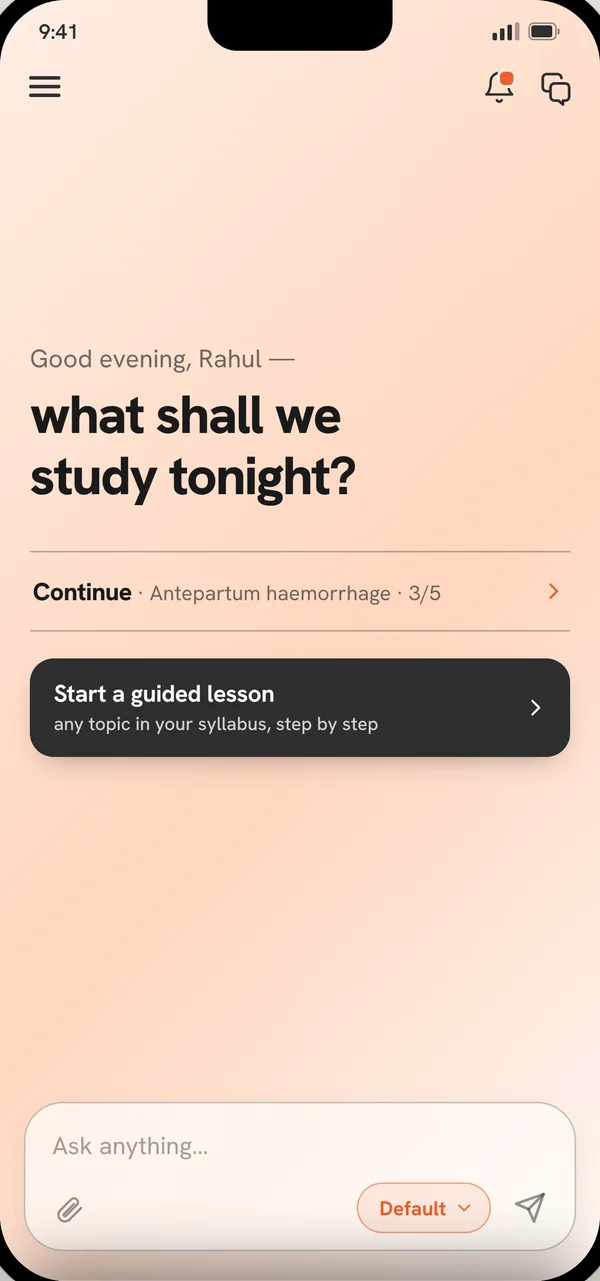
Be specific. "Why does volume stay the same during isovolumetric contraction?" gets a sharper answer than "cardiac cycle".
Choose how the tutor answers
- Tap the pill next to Send
It shows the current setting, Default at first. Three options open: Default, Tutor Mode and Tutor Profile.
- Open Tutor Mode
Tutor Mode shifts the AI from giving direct answers to guiding your thinking. Pick a sub-mode: Auto, Explain, Socratic, Case-based or Quick Q&A.
- Or use your own Tutor Profile
A Tutor Profile is a tutor you build yourself: you write how it should teach, what it should refer to and how it should structure answers. Once selected, it applies to every message until you switch back.
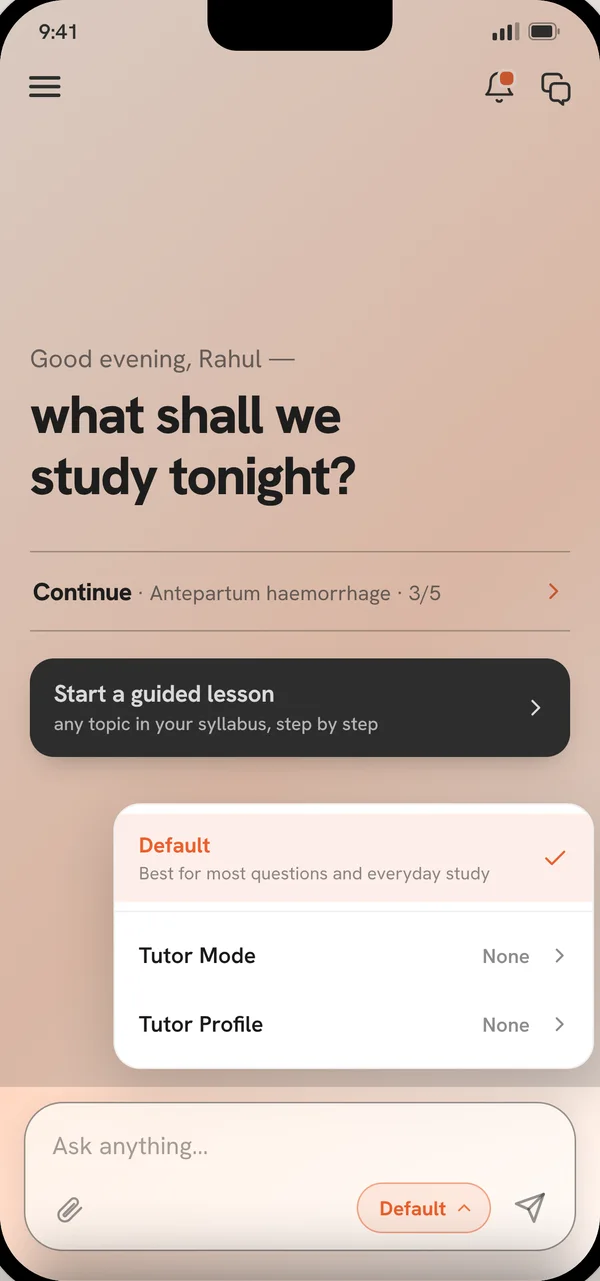
| Setting | What it does | Pick it when |
|---|---|---|
| Default | Best for most questions and everyday study. | You want a clear answer now. |
| Tutor Mode | Guides your thinking with questions, steps and recall prompts. Choose one of five sub-modes. | You want to understand, not just read. |
| Tutor Profile | Your own tutor, built from your instructions: teaching style, what to refer to, answer format. | You want the tutor to work your way, every time. |
Tutor Mode and a Tutor Profile can't run together. Choosing one switches the other off.