All faculty guides
Prepare
Plan and write lessons
A lesson is what students of the attached classes see in their app. Write it in three levels so students know what to prioritise.
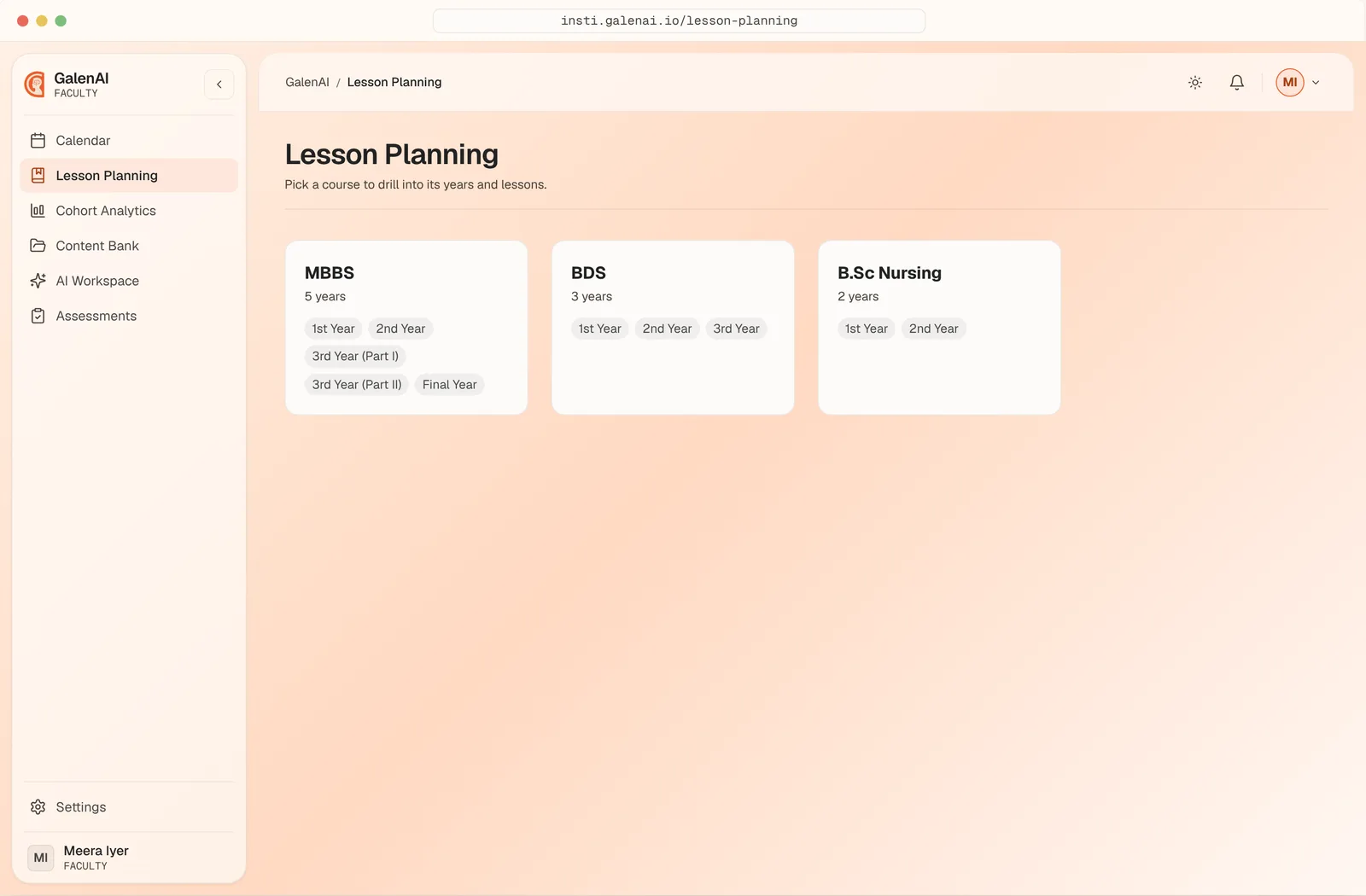
- Open Lesson Planning
Pick the course, then the year. Each year lists its lessons.
- Find or create a lesson
Chips show which levels have content. The paperclip shows how many classes the lesson is attached to. Click New Lesson to start one.
- Write the three levels
Use the Must know, Good to know and Nice to know tabs. List the competency codes at the end. Click Save content.
- Add supplementary material
Click Add Material and choose the kind: slides, PDF, mind map, audio, video, YouTube, image, link or document.
| Level | Put here | Example (Cardiac cycle) |
|---|---|---|
| Must know | What every student must be able to recall and explain for the competency. | The four phases, valve events, S1 and S2. |
| Good to know | Deeper understanding that strong students should reach. | The pressure-volume loop. |
| Nice to know | Clinical correlation and extension. | How aortic stenosis changes the loop. |