All faculty guides
Create teaching material in the AI Workspace
Each workspace has three panes: Sources (your PDFs and images), a Chat that answers only from those sources with citations, and a Studio that generates slides, assessments, mind maps and flashcards.
- Create a workspace
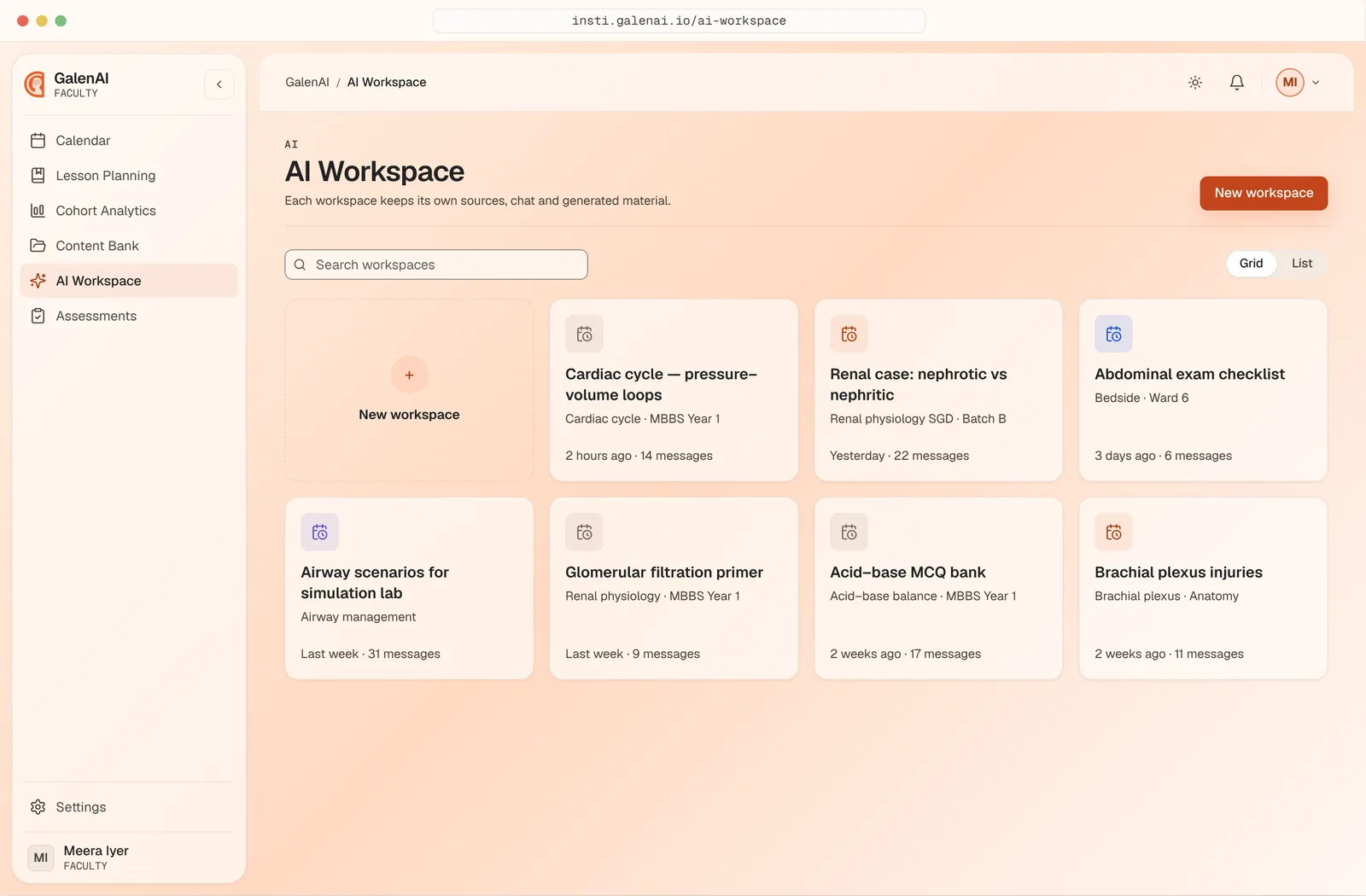
Open AI Workspace and click New workspace. Use one workspace per topic or class.
- Add your sources
Drop PDFs or images into Sources: your lecture notes, an uploaded textbook chapter, a diagram. Everything generated is based on these.
- Ask about your sources
Type in Ask about your sources…. Answers carry citation chips that point to the file and page.
- Generate slides
In Studio click Slides. Set topic, number of slides, audience and competencies, add instructions, then Generate. The deck lands in your Content Bank.
- Generate an assessment
Click Assessment. Choose topic, number of questions, audience and competencies. It appears under Assessments, ready for your review.
Prompts that work well in the workspace chat
AI drafts. Faculty review. Nothing generated reaches students until you open it and publish it.