All faculty guides
Track
Follow your batches over time
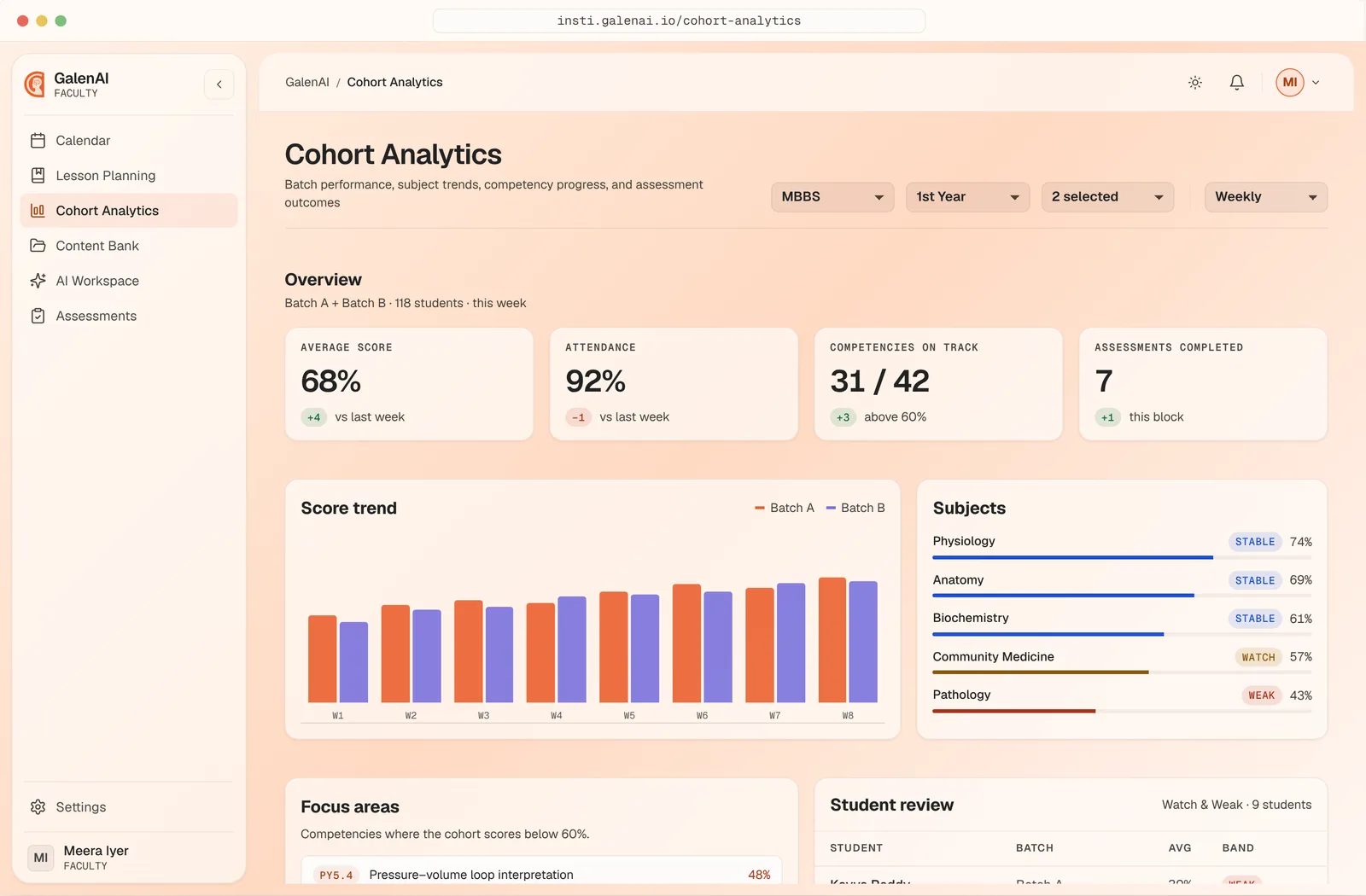
Cohort Analytics shows how the batches you teach are doing, by competency and subject, so you know what to reteach.
- Set the filters
Choose course, year, one or more batches and a time period (for example Weekly).
- Read the overview
Average score, attendance, competencies on track and assessments completed, each compared with the previous period. The score trend compares batches.
- Act on focus areas
Focus areas lists competencies where the cohort scores below 60%. Student review lists students to follow up.
Note
The filters are saved in the page link, so you can copy the URL and share the exact view with your HOD.