All faculty guides
Review
Review, edit and publish from the Content Bank
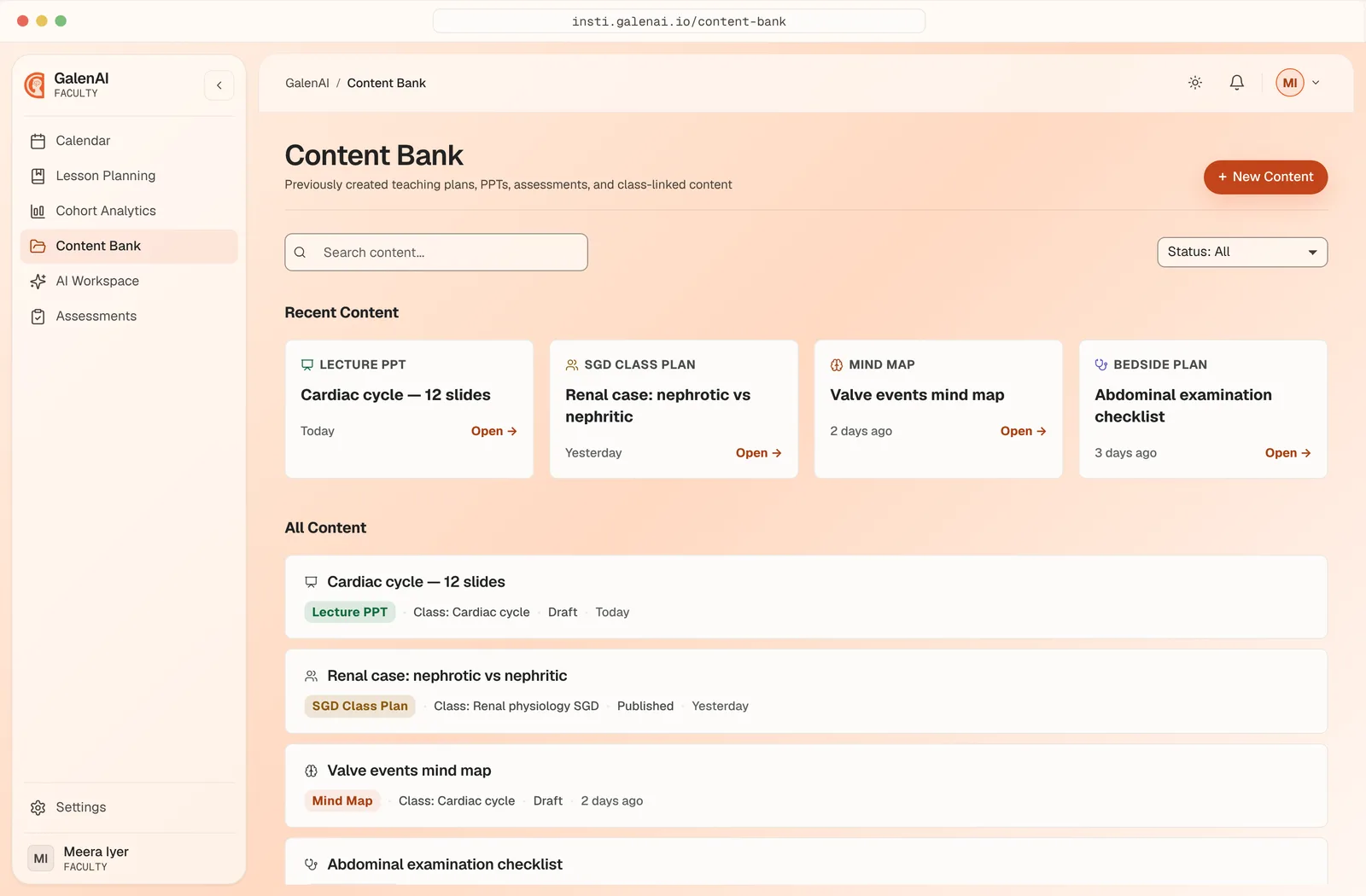
Everything you upload or generate is stored in your Content Bank with its status. Open an item to review it, edit it, export it and publish it to the linked class.
- Open the Content Bank
Recent items sit on top, everything else below. Filter by status. Click New Content to upload a plan or handout (PDF, DOC or PPT up to 50 MB).
- Review a deck
Step through slides from the thumbnail rail. Use Edit slide and Speaker notes. Check the competency tags and source line on each slide.
- Review mind maps and flashcards
Pan and zoom a mind map, or flip through flashcards. Use Regenerate if it needs another pass.
- Export or publish
Export PPTX to present from your own laptop. Publish to class to make it visible to students of that class.