All administration guides
Step 4
Enrol students
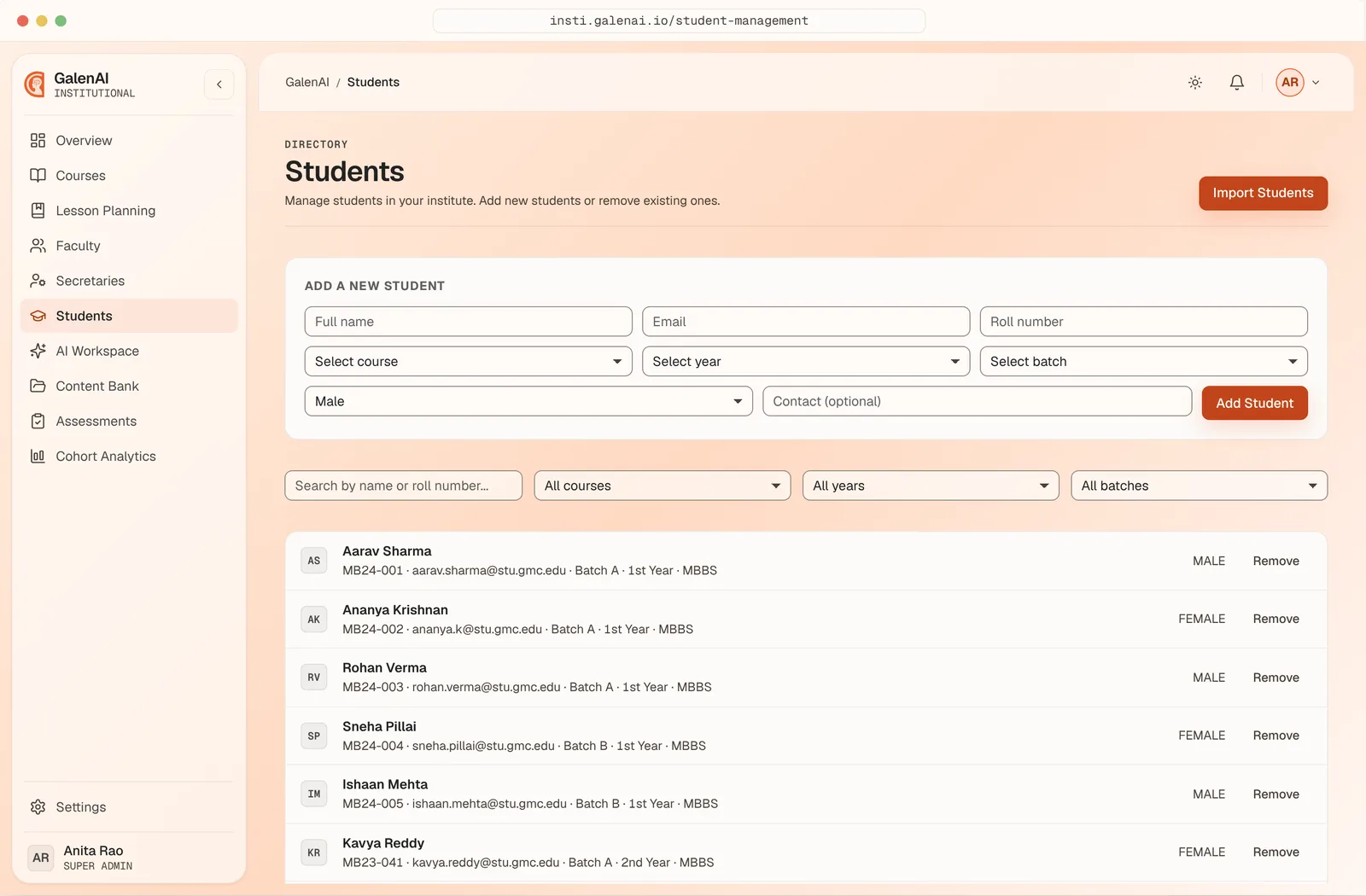
Students are created directly (not invited) and placed in a batch. Their app then shows their batch's calendar and lessons.
- Add a student
Open Students. Enter full name, email, roll number, gender and contact. Pick Course, then Year, then Batch (each unlocks the next). Click Add Student.
- Import a batch
Click Import Students and upload a CSV with
full_name, email, roll_number, gender, course, year, batch. The batch must already exist. You get a per-row error report. - Find and manage
Search by name or roll number and filter by course, year and batch. Remove takes a student off the roster and batch.