All administration guides
Load and manage the CBME timetable
The timetable is the one place classes are created. Faculty and students see the result on their calendars, so every session carries its competencies.
- Import your timetable file
Open Timetable › Import from Document. Upload XLSX or CSV. Columns are matched automatically.
- Fix rows in the grid
Each row is checked: course, year, batch, competency codes and faculty ID (shown as a name). Rows that need attention are flagged. Fix them in place, then Add sessions.
- Manage sessions
Filter by topic, faculty, class type, status and date range. Cancelled rows are struck through. Add Manually adds up to 100 rows at once.
- Edit a session
Change any field: topic, type, status, faculty, batches, date, time, venue or competencies. Clashes are checked when you save.
- Delete with care
The confirmation lists linked Content Bank items and assessments, so you can see the impact first.
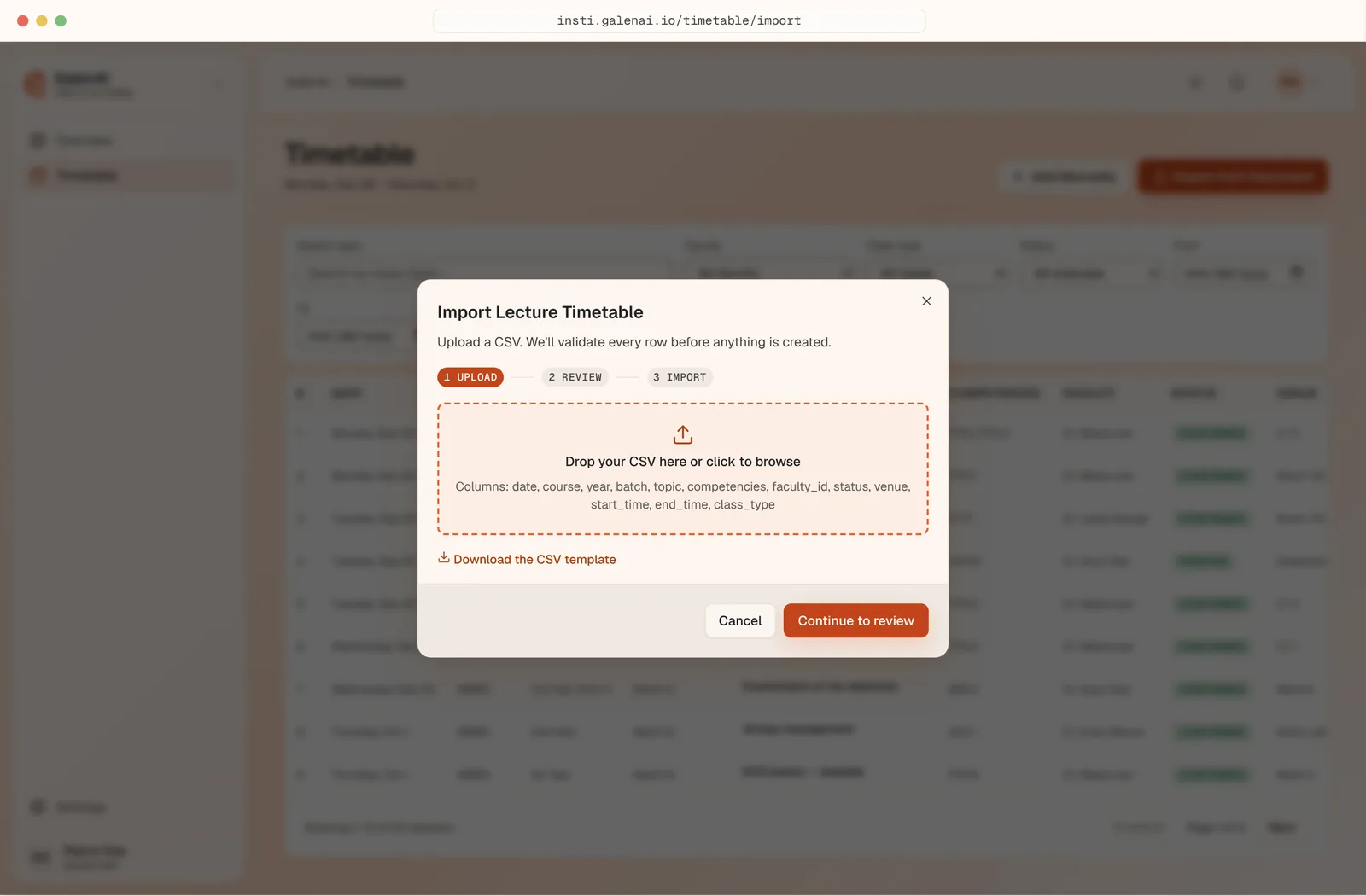
Timetable file columns
| Column | Example | Notes |
|---|---|---|
date | 2026-09-29 | Uses the institute timezone |
course, year, batch | MBBS, 1st Year, Batch A | Must match Courses exactly |
topic | Cardiac cycle | "Class Topic" is also recognised |
competencies | PY5.1, PY5.4 | CBME competency codes |
faculty_id | FAC-2041 | "Instructor ID" is also recognised |
status, venue | Confirmed, LT-2 | |
start, end, class_type | 09:00, 10:00, Lecture | Lecture, SGD, Bedside, Practical… |