All administration guides
Step 3
Invite faculty and secretaries
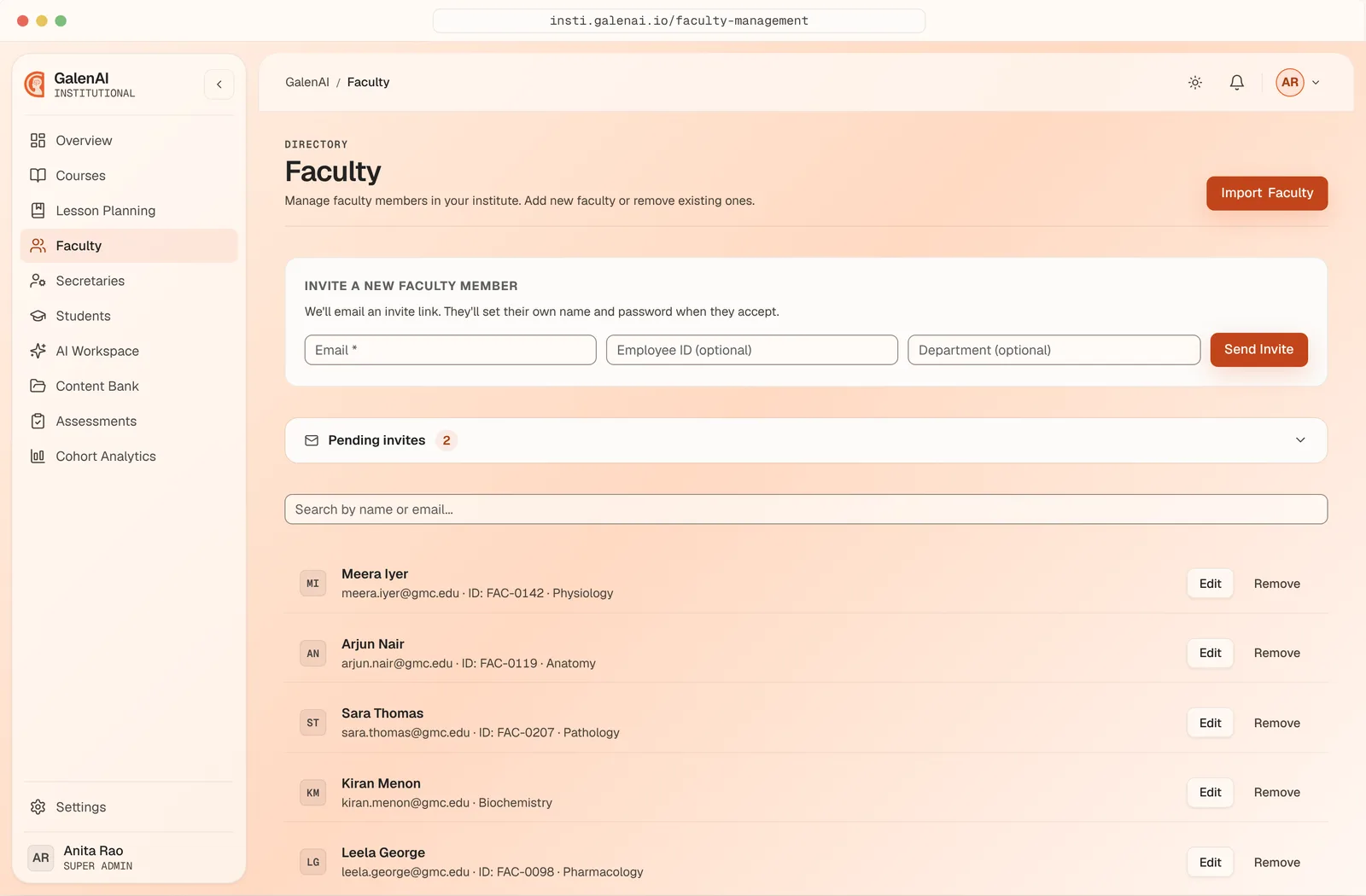
Staff are invited by email. They set their own name and password when they accept.
- Invite one person
Open Faculty. Enter the email, plus employee ID and department if you have them, then Send Invite.
- Track invites
Open Pending invites to see who hasn't accepted. Resend an expired invite or Revoke one sent by mistake.
- Invite in bulk
Click Import Faculty and upload a CSV with
email, employee_id, department. One invite goes to each valid row. - Edit or remove
Use Edit to change name, employee ID or department. Email stays fixed because it is the sign-in. Remove ends access at once; their classes stay on the timetable marked "instructor removed".
- Invite timetable secretaries
Secretaries works the same way. Secretaries own the timetable.