All administration guides
Step 1
Overview and institute settings
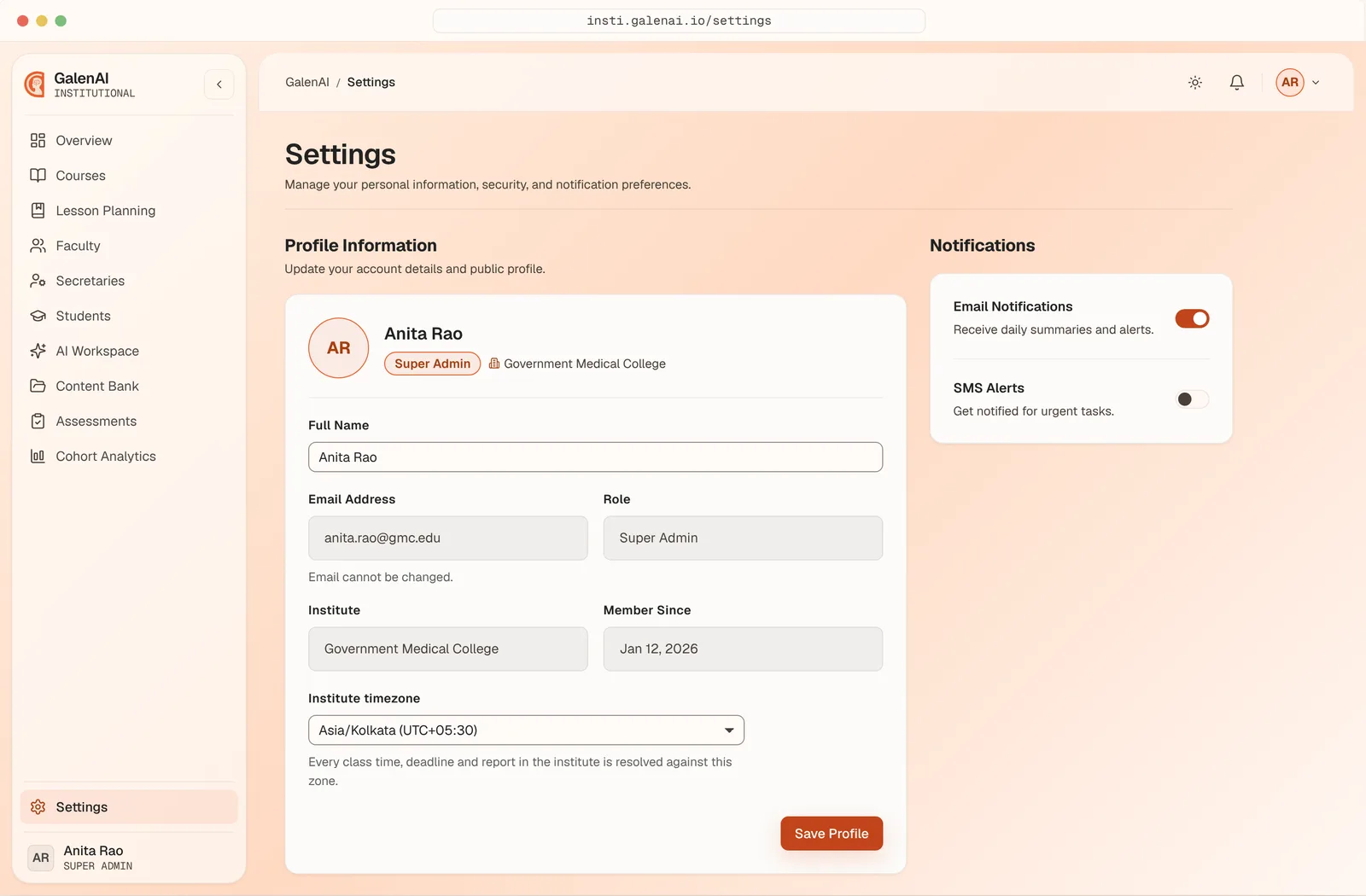
- Set the institute timezone first
Open Settings. Under Institute timezone choose your zone, for example Asia/Kolkata (UTC+05:30). Every class time, deadline and report uses it. Save.
- Use the Overview daily
Classes today, classes this week, courses configured and students enrolled, the upcoming classes list and quick actions to Courses, Faculty and Students.